Artificial Intelligence (AI) is no longer just for experts. In 2026, anyone can use AI tools to write content, design graphics, automate tasks, and even build websites—without technical skills.
If you’re just starting out, the key is simple:
Choose tools that are easy to use, free (or low-cost), and multi-purpose.
In this guide, you’ll discover the best AI tools for beginners, what they do, and how you can use them in daily life.
Why Beginners Should Use AI Tools
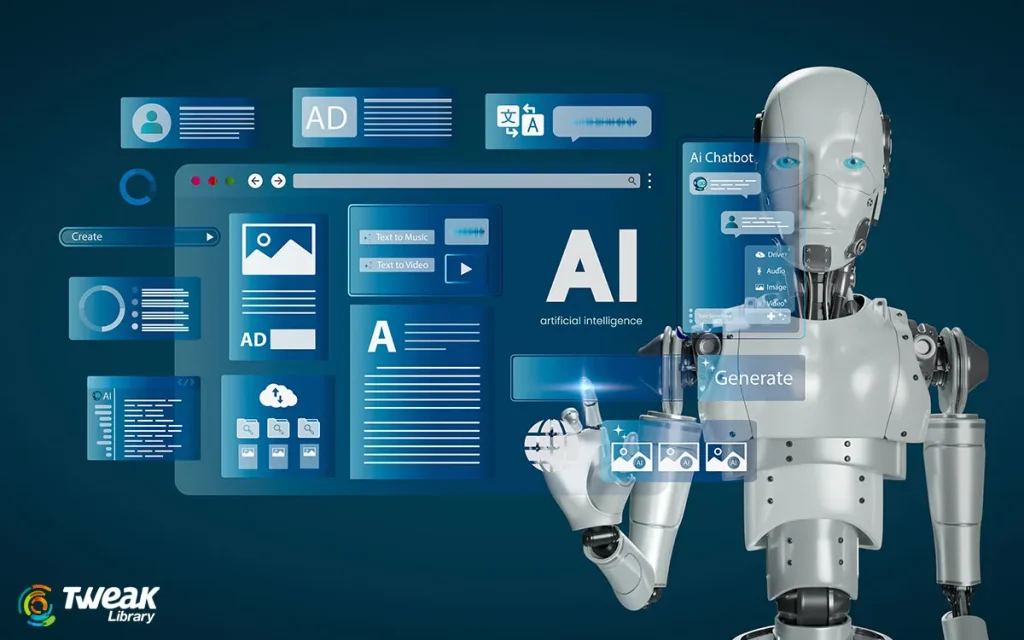
AI tools can help you:
- Save time on repetitive tasks
- Improve writing and creativity
- Learn new skills faster
- Increase productivity in work or study
Experts recommend using AI as a “thought partner” to brainstorm, research, and organize ideas rather than replacing your own thinking.
Top AI Tools for Beginners
1. ChatGPT – Best All-in-One AI Tool
If you’re new to AI, this should be your first tool.
What you can do:
- Write blogs, emails, and assignments
- Ask questions and learn new topics
- Generate ideas and summaries
- Translate languages
Why it’s great:
- Simple chat interface
- Works for almost everything
- No technical knowledge required
👉 It’s widely considered the easiest starting point for beginners.
2. Canva – Best for Design
Not a designer? No problem.
What you can do:
- Create social media posts
- Design logos and presentations
- Generate images using AI
- Use drag-and-drop templates
Why beginners love it:
- Very easy interface
- No design skills needed
- Fast results
3. Grammarly – Best for Writing Improvement
Perfect if you want to improve your English or writing skills.
What it does:
- Fix grammar mistakes
- Improve sentence clarity
- Adjust tone (formal, casual, etc.)
- Rewrite content
Best for:
- Students
- Bloggers
- Professionals
You may also like it:
Best Budget Smartphones Review 2026 | Top Picks Guide
How to Fix Common Tech Issues | Simple Troubleshooting
Best Tech Offers Today 2026 – Deals on Gadgets & Electronics
4. Notion AI – Best for Organization
Think of this as your smart notebook.
What you can do:
- Take notes
- Manage tasks
- Create content
- Plan projects
Why it’s useful:
- Combines notes + AI in one place
- Helps you stay organized
5. Google Gemini – Best for Research
Great if you already use Google tools.
What you can do:
- Summarize articles and videos
- Answer questions with updated info
- Help with emails and documents
Why beginners use it:
- Easy integration with Google services
- Fast and reliable answers
6. Microsoft Copilot – Best Free AI Assistant
A powerful free alternative to other AI tools.
Features:
- Chat and writing assistance
- Image generation
- Works inside Microsoft tools
Best for:
- Students and office users
7. Claude – Best for Long Content
If you work with large documents, this is ideal.
What it does:
- Summarizes long files
- Writes detailed content
- Handles complex tasks
Why it stands out:
- More accurate and structured responses
8. Midjourney – Best for AI Images
Want to create stunning visuals?
You can:
- Generate artwork
- Create thumbnails
- Design creative images
Note:
- Slight learning curve but powerful
9. Jasper AI – Best for Marketing Content
Used by marketers and content creators.
Features:
- Blog writing
- Ad copy generation
- Social media content
10. ElevenLabs – Best for Voice & Audio
Perfect for creators.
What it does:
- Convert text to speech
- Generate realistic voices
- Create voiceovers
How to Choose the Right AI Tool
As a beginner, don’t try everything at once.
👉 Start with 2–3 tools based on your goal:
- Writing & learning: ChatGPT + Grammarly
- Design & content: Canva + Midjourney
- Productivity: Notion AI
- Research: Gemini
Tips for Beginners
- Start simple (don’t overwhelm yourself)
- Practice giving clear prompts
- Use AI daily for small tasks
- Always double-check important information
Final Thoughts
AI tools are powerful—but only if you use them correctly.
You don’t need 50 tools.
👉 Just a few beginner-friendly ones can completely improve your productivity, creativity, and learning.
Start with:
- ChatGPT
- Canva
- Grammarly
Then slowly explore more tools as you grow.
FAQs: Best AI Tools for Beginners
1. Which AI tool is best for beginners?
ChatGPT is the best overall because it’s simple and can handle many tasks.
2. Are AI tools free?
Many tools offer free versions, but advanced features may require payment.
3. Do I need coding skills to use AI tools?
No, most beginner AI tools require zero technical knowledge.
4. Can AI replace human work?
No, AI helps you work faster, but human creativity and thinking are still important.