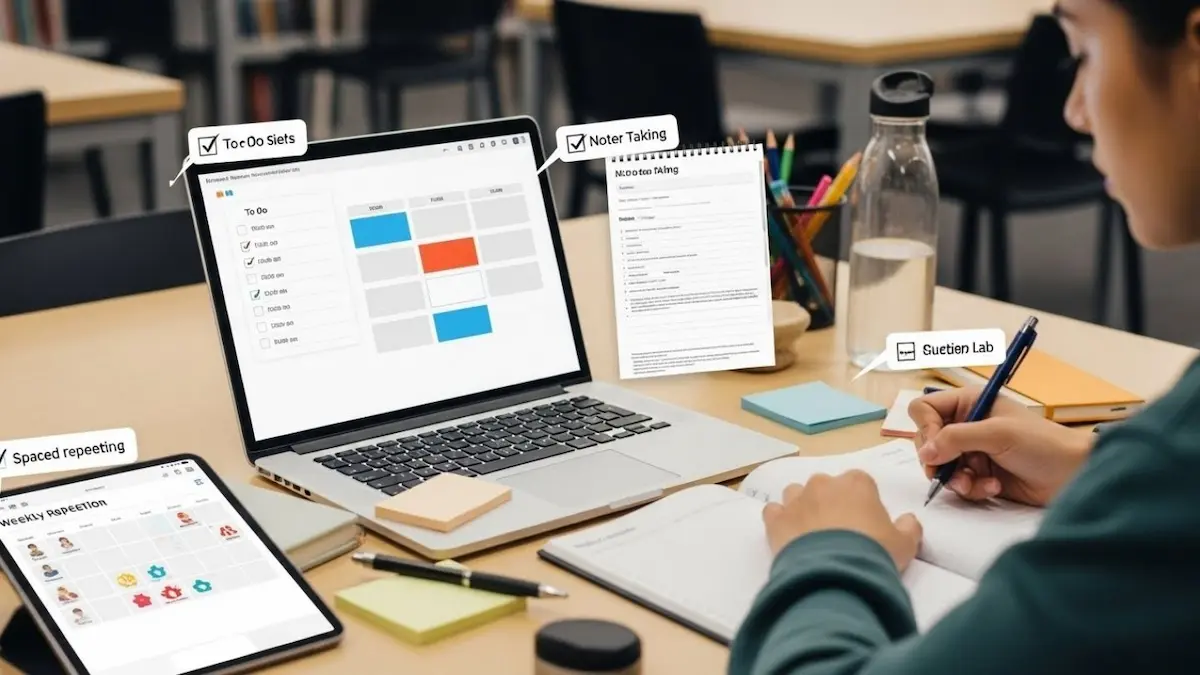
In today’s fast-paced digital world, staying productive is more important than ever. Whether you’re a student, freelancer, or working professional, the right tools can help you manage your time, stay organized, and get more done—without spending money.
The good news? There are many free productivity tools available that can completely transform your daily routine.
In this guide, I’ll walk you through the best free tools for daily productivity, how they work, and how you can use them effectively.
Why Use Productivity Tools?
Before jumping into the tools, let’s understand why they matter.
Productivity tools help you:
- Organize tasks and manage time
- Reduce distractions
- Improve focus and efficiency
- Collaborate with others easily
- Automate repetitive work
In fact, choosing the right tools can help you work smarter and improve your daily efficiency.
Best Free Tools for Daily Productivity
1. All-in-One Workspace Tools
Notion
Notion is one of the most powerful free tools available today.
What it does:
- Combines notes, tasks, databases, and calendars
- Helps you manage everything in one place
- Great for personal and professional use
Why use it:
It replaces multiple apps and keeps your workflow organized in a single dashboard.
2. Task Management Tools
Todoist
Todoist is perfect for managing daily tasks.
Features:
- To-do lists and reminders
- Task priorities and deadlines
- Easy and clean interface
It’s one of the best tools for organizing tasks efficiently.
Trello
Trello is ideal for visual planners.
Features:
- Board and card system
- Drag-and-drop tasks
- Collaboration with teams
It works like digital sticky notes, making it easy to track progress.
3. Time Management Tools
Toggl Track
A great tool for tracking how you spend your time.
Features:
- Time tracking across projects
- Reports and insights
- Works on multiple devices
Perfect for freelancers and remote workers.
Clockify
Clockify is another powerful free time tracker.
Why it’s useful:
- Tracks work hours
- Helps analyze productivity
- Supports teams and individuals
You may also like it:
Best AI Tools for Beginners 2026 | Easy & Free Guide
Best Budget Smartphones Review 2026 | Top Picks Guide
How to Fix Common Tech Issues | Simple Troubleshooting
Best Tech Offers Today 2026 – Deals on Gadgets & Electronics
4. Note-Taking Tools
Google Docs
A simple and free tool for writing and storing documents.
Benefits:
- Cloud-based access
- Real-time collaboration
- Auto-saving
Evernote
Great for organizing notes and ideas.
Features:
- Sync across devices
- Save text, images, and links
- Easy search functionality
5. Focus & Distraction Blocking Tools
RescueTime
RescueTime helps you understand how you spend your time.
Features:
- Tracks app usage
- Blocks distracting websites
- Provides productivity reports
Forest
Forest makes focus fun.
How it works:
- You grow a virtual tree while working
- Leaving the app stops your progress
- Encourages deep focus
6. Communication & Collaboration Tools
Slack
Slack is widely used for team communication.
Features:
- Organized channels
- Messaging and file sharing
- Integration with other apps
Even its free version is enough for small teams.
Zoom (Free Plan)
Perfect for meetings and online collaboration.
7. File Storage & Sharing Tools
Google Drive
A must-have free productivity tool.
Features:
- Store files online
- Share documents easily
- Access from anywhere
Dropbox (Free Plan)
Another reliable option for file storage and sharing.
8. Writing & Automation Tools
Grammarly (Free Version)
Improves your writing instantly.
Features:
- Grammar correction
- Spell check
- Writing suggestions
Text Blaze
Automates repetitive typing.
Why it’s powerful:
- Create shortcuts for text
- Save time on emails and forms
- Works across websites
9. Design & Creative Tools
Canva (Free Plan)
Perfect for creating graphics and social media posts.
Features:
- Templates for designs
- Easy drag-and-drop editor
- No design skills required
GIMP
A free alternative to Photoshop.
Features:
- Advanced image editing
- Layers and filters
- Completely free
10. Browser Productivity Tools
TidyTab
Helps manage too many browser tabs.
Features:
- Groups tabs automatically
- Saves sessions
- Reduces clutter
Great for people who work online all day.
How to Choose the Right Tools
With so many options, don’t try to use everything at once.
👉 Follow this simple strategy:
- Pick 1 tool for tasks (e.g., Todoist)
- Pick 1 for notes (e.g., Notion)
- Pick 1 for time tracking (e.g., Toggl)
Using too many tools can reduce productivity instead of improving it.
Tips to Boost Daily Productivity
Here are some simple tips to get the most out of these tools:
- Start your day with a task list
- Use timers to stay focused
- Avoid multitasking
- Take short breaks
- Review your progress daily
Final Thoughts
Free productivity tools can completely change the way you work and manage your time. From organizing tasks to improving focus and collaboration, these tools help you stay in control of your daily routine.
The key is not using more tools—but using the right tools consistently.
Start small, stay consistent, and you’ll see a big difference in your productivity.
FAQs
1. What are the best free productivity tools?
Some of the best include Notion, Todoist, Trello, Google Docs, and Canva.
2. Are free productivity tools enough?
Yes, most free tools offer powerful features that are enough for personal and even professional use.
3. How many productivity tools should I use?
Ideally, use 2–4 tools to avoid confusion and keep your workflow simple.
4. Which tool is best for beginners?
Notion and Todoist are great starting points because they are easy to use.
5. Can productivity tools really improve efficiency?
Yes, they help organize tasks, reduce distractions, and save time, leading to better results.